
Field preview
Preview fields control which columns appear in the record list (DataView) and which fields are searched by the fast-search box.
Setting preview fields
In Config → Tables, select a table (Table settings icon) and edit the Preview fields property: pick the fields from the dropdown, then drag the chips below it (using the ☰ handle) into the order you want them to appear.
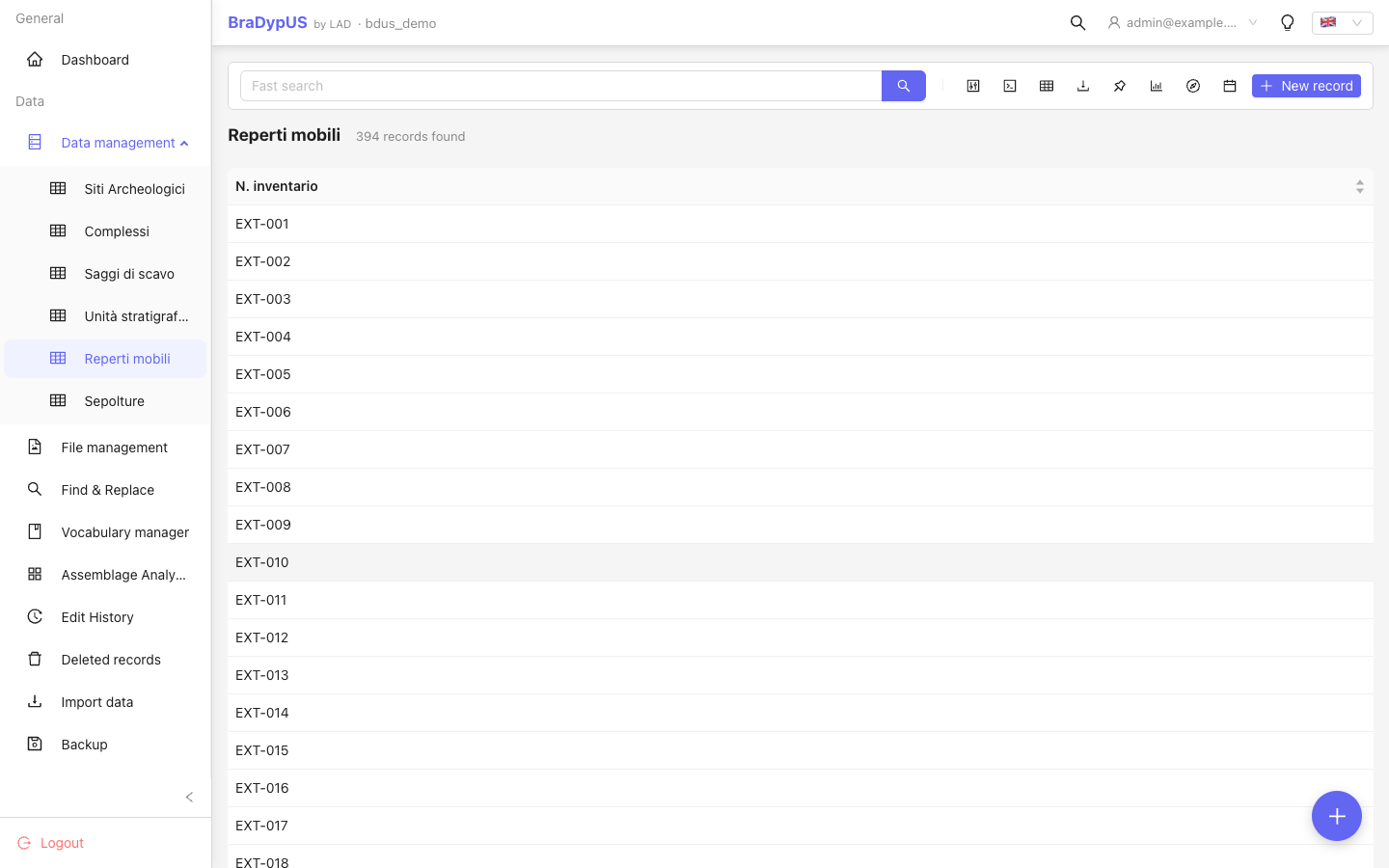
The record list will show exactly these columns, in this order. The first preview field is also used as the record's display label in cross-table dropdowns and in the Harris Matrix node labels.
Column toggler
In DataView the user can show or hide individual columns using the column toggler button in the toolbar. The toggler starts with the preview fields visible but the user's selection is remembered per session.
Text search scope
The text box of the query bar searches all preview fields using a case-insensitive LIKE query. Fields not in the preview list are not searched by the text box (but can be searched in the Builder: see Search & filter).